Working with Namespaces
Namespaces are managed per workspace from Edit → Edit Namespaces (or View Namespaces when read-only). The dialog lists every prefix/URI pair currently defined for the workspace, and lets you add, rename, or delete prefixes.
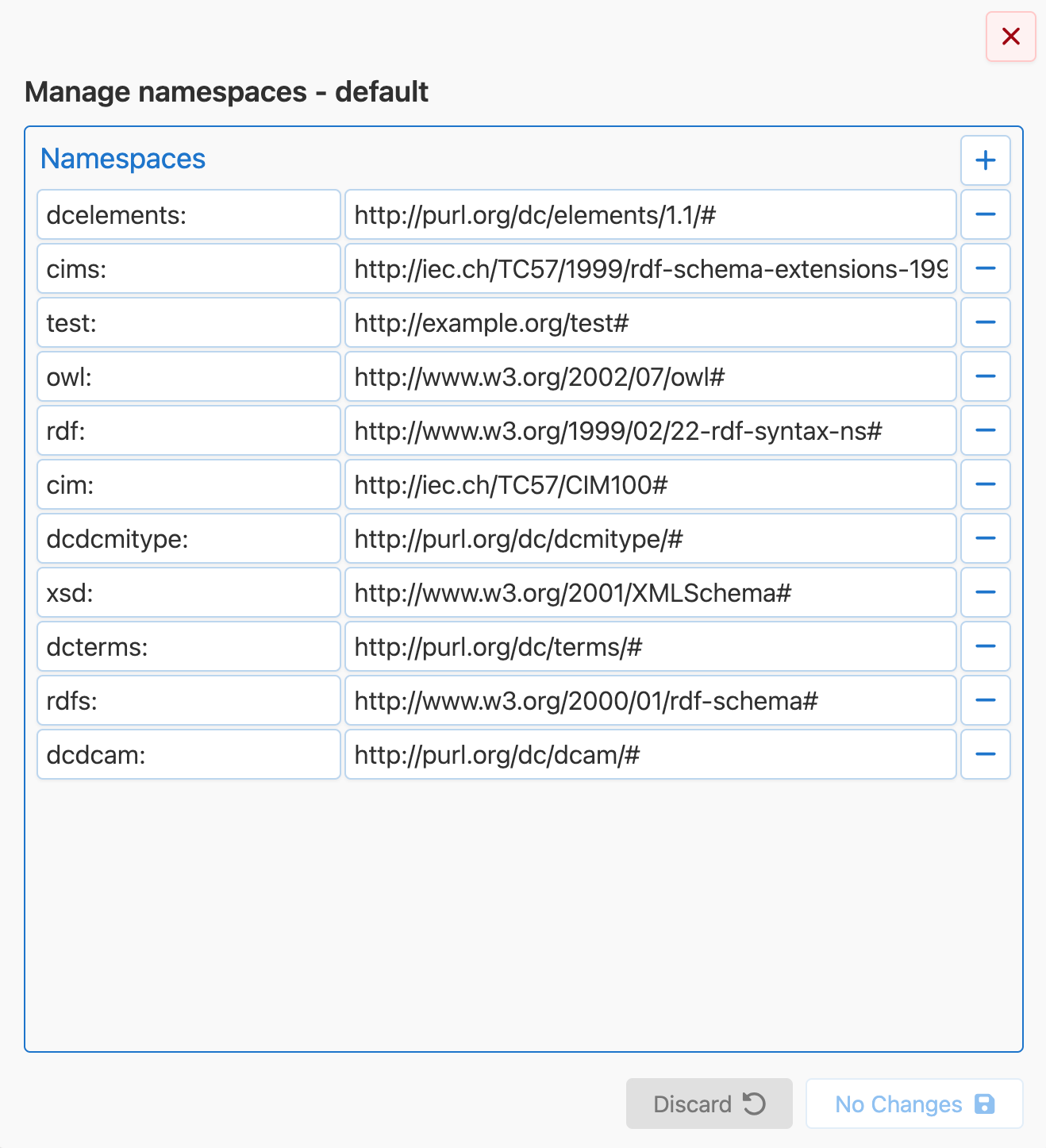
Prefix uniqueness is enforced: the save button stays disabled while two rows share a prefix, and the offending rows are highlighted. Multiple prefixes may point to the same URI.
Namespaces are also surfaced in every place where a URI namespace is needed, such as the new class dialog and attribute editor, so you select a known namespace instead of typing it manually.